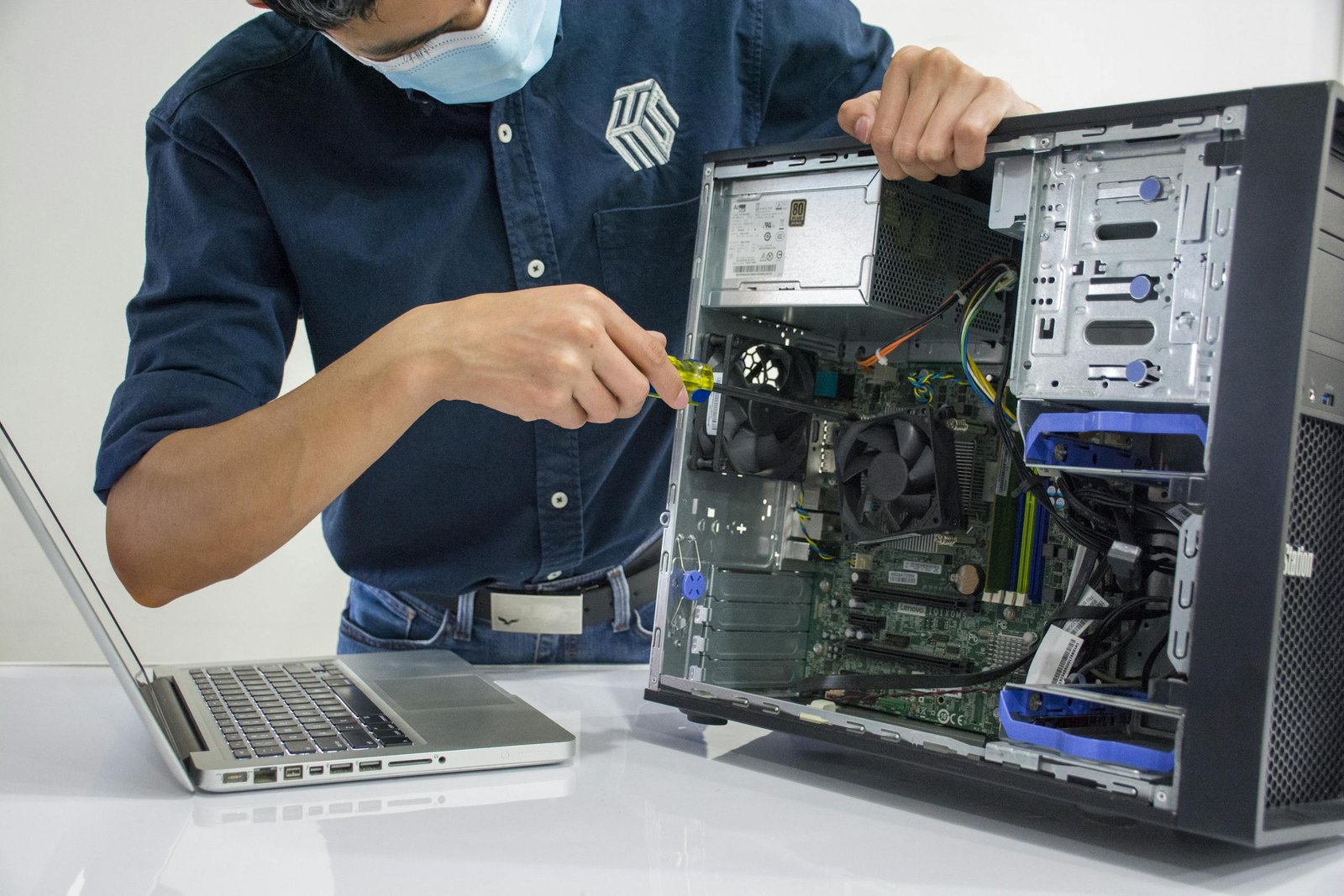
5 Common Tech & Wi-Fi Headaches in Glens Falls, NY (And How to Fix Them)
Whether you are running a small business downtown near City Park, working hybrid from a home office near Crandall Park, or just trying to stream your favorite shows after a long day, we all rely on our devices to work seamlessly.
But let’s be honest: technology doesn’t always cooperate.
When your computer freezes mid-meeting or your internet drops during an important upload, it’s more than just a minor annoyance it can disrupt your entire day. As local tech environments grow more complex, troubleshooting these issues on your own can feel overwhelming.
Fortunately, many everyday tech frustrations come down to a few common culprits. Here are the top 5 tech and Wi-Fi headaches facing residents and home offices in the Glens Falls region, along with practical steps to get things running smoothly again.
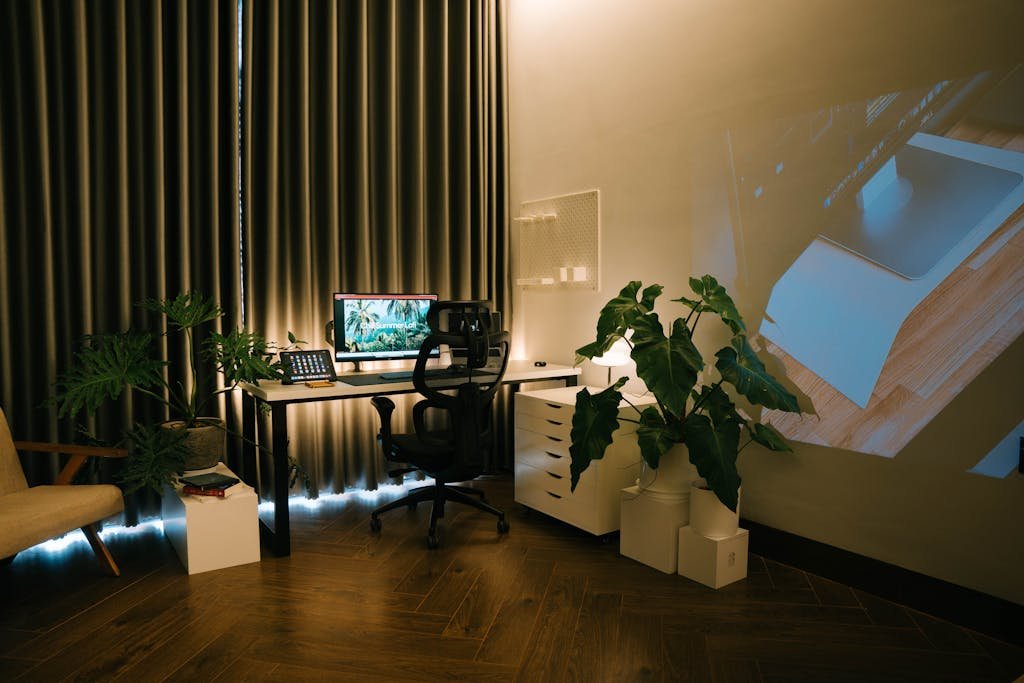
1. Dead Spots and Spotty Wi-Fi Connections
Most homes and local offices in Warren County rely on high-speed internet from providers like Spectrum or Verizon 5G. However, having a fast plan doesn’t always guarantee a great wireless connection in every room. Older homes with thick plaster walls, brick, or complex layouts are notorious for blocking wireless signals.
- The Quick Fix: Start with your router placement. Ensure it is centrally located, elevated off the floor, and not tucked inside a closet or behind a metal entertainment center. If you live in a larger or multi-story house, upgrading from a standard single router to a Mesh Wi-Fi system can eliminate dead zones by blanketing your entire property in a seamless signal.
2. The Dreaded “Slow Computer” Syndrome
Over time, even the best laptops and desktops begin to lag. If your PC takes ten minutes to boot up or stalls when you open a web browser, it’s usually suffering from background bloatware, a cluttered startup routine, or an outdated storage drive.
- The Quick Fix: Open your task manager (Ctrl + Shift + Esc on Windows) and check the “Startup” tab. Disable apps you don’t need opening automatically every time you turn on your machine. If your computer is a few years old and still running on a mechanical hard drive (HDD), upgrading to a Solid-State Drive (SSD) can instantly make an old machine feel brand new.
3. Vulnerable Home Networks & Phishing Risks
Cybersecurity isn’t just a concern for massive corporations or government entities. Local networks and small businesses are increasingly targeted by sophisticated phishing scams and malware threats. Securing your digital footprint starts at home.
- The Quick Fix: Never use the default factory password that came printed on the back of your internet router; change it immediately to a unique, strong password. Additionally, ensure that Multi-Factor Authentication (MFA) is enabled on your primary email and financial accounts. A few simple layers of defense can prevent major headaches down the road.
4. Printer Amnesia (Where Did the Connection Go?)
It’s a classic scenario: you need to print a critical document, but your computer suddenly claims it has no idea your wireless printer exists. Wireless printers are notorious for dropping off local networks, especially after a router reboot or a power fluctuation.
- The Quick Fix: Give your printer a static IP address through your network settings rather than letting it change every time the router resets. If it refuses to connect, completely remove the printer from your computer’s “Printers & Scanners” settings menu, power-cycle both the printer and your router, and re-add it from scratch.
5. Overlooked Data Backups
Imagine waking up tomorrow to find your computer’s drive failed completely, taking your family photos, tax documents, and business files with it. Hardware failure happens unexpectedly, and relying solely on a computer’s internal storage is a major risk.
- The Quick Fix: Implement a straightforward backup routine. Utilize local external drives combined with a secure cloud backup solution (like OneDrive, Google Drive, or iCloud). Ensuring your data exists in more than one location guarantees peace of mind if a device ever stops working entirely.
Need an Expert Hand? IT By Joe is Right Around the Corner
Trying to diagnose network drops, configure new hardware, or secure your devices can take hours of frustrating guesswork. You don’t have to handle it alone.
At IT By Joe, we provide reliable, professional, and friendly computer repair and tech support right here in Glens Falls, NY, and the surrounding regions. From optimizing your home office Wi-Fi to cleaning up malware and upgrading sluggish hardware, we treat your technology with the care and security expertise it deserves.
Frustrated with your current setup? Contact me today, to chat about your tech needs and let’s get your digital environment running exactly the way it should.